Inventory made Easy
From start to finish the EyeSoft experience is ultra-fast, reliable, and easy to use. Staff will love it, you will love the data that comes from it.

What’s INCLUDED
Handheld Scanner
Zebra RFID Printer
Training
EyeSoft Server
Starter Labels + Ink
Remote Support
simple Equipment Setup
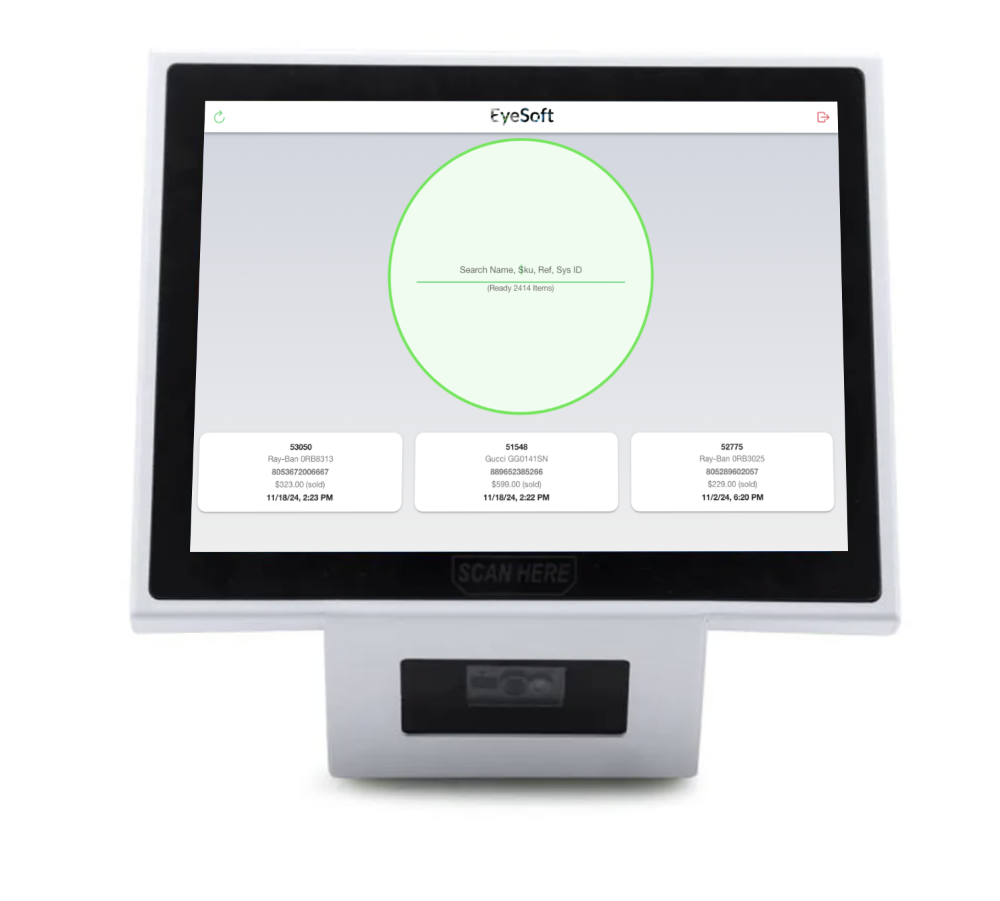
EyeSoft Server
This triangle shaped computer has a full-size touch screen on one side with a ultra-fast QR code scanner on the other side.
When you receive this unit just plug it into power and internet. First step is look for application updates and then sign into the EyeSoft Equipment App using your regular EyeSoft Login.
Once you login, you will see your store location listed. Pick the correct location and the unit will set itself up.
*If you do not see your store or see “No access” then please contact your account rep to ensure permissions are set.
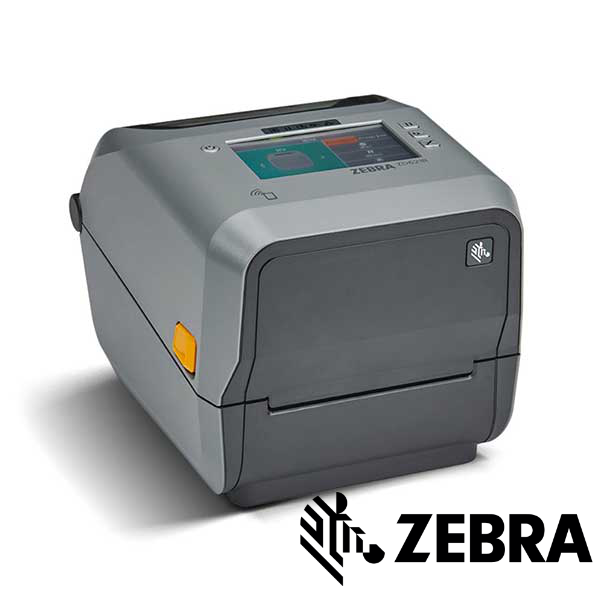
Zebra RFID Printer
This specialty printer is able to quickly print high-quality labels at the same time program the RFID micro-chip.
When you receive this unit just plug it into power and internet. There is no app but you will need to calibrate the printer each time you change the labels.
This printer has Wired internet only, so once connected it should show the IP address under the Status Screen.
*The printer has the ability to control the temperature of its print head. If the head transfer film is flaking try turning up the print darkness in printer settings. Do not exceed 20.
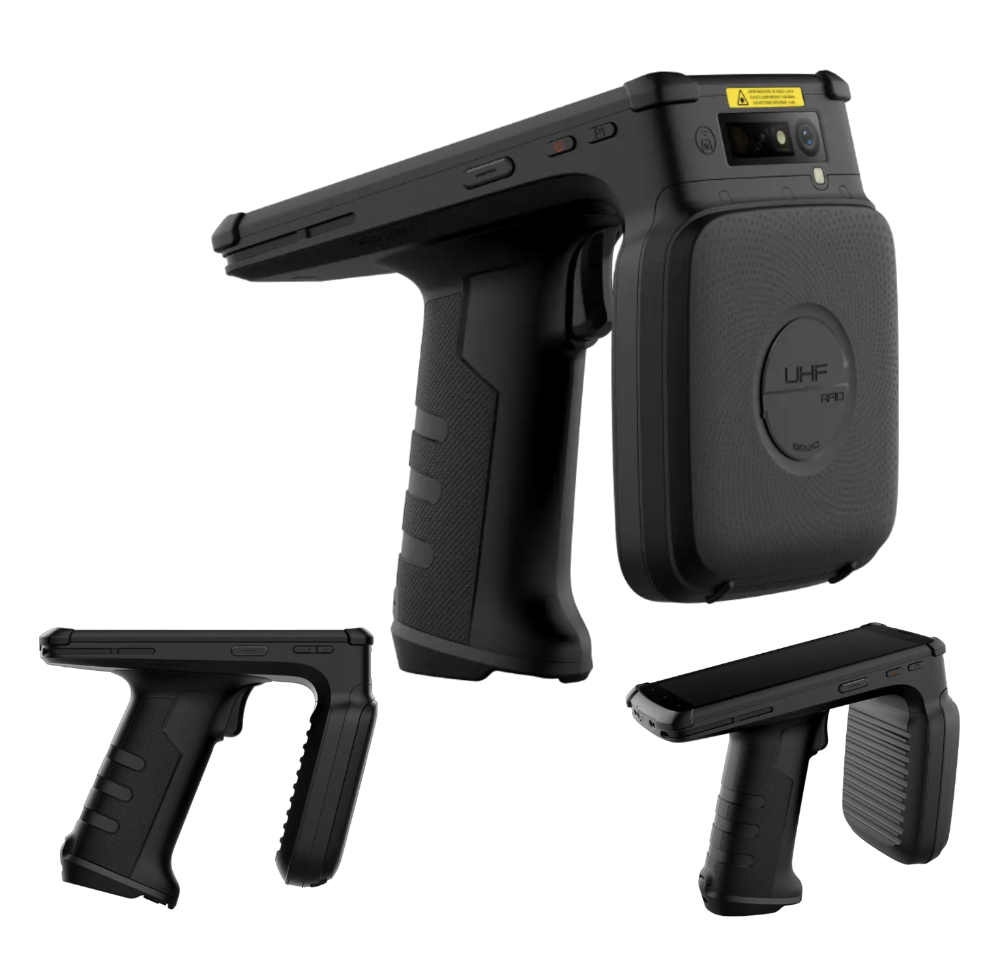
Handheld Scanner
This handled scanner is based on Android. This device needs to be charged via USB-C or the charging cradle (sold separately) .
When you receive this unit connect it to the clinic’s Wi-Fi network. First step is look for application updates and then sign into the EyeSoft App using your regular EyeSoft Login
Once you login you will see a “Enter Scan ID” page that is where you will need to use a computer to create a new scan code.
*A single inventory gun can work with all the locations in your profile. Just by scanning the location specific scan code and if your login has access it will download the appropriate data.
RFID Labels & Ink
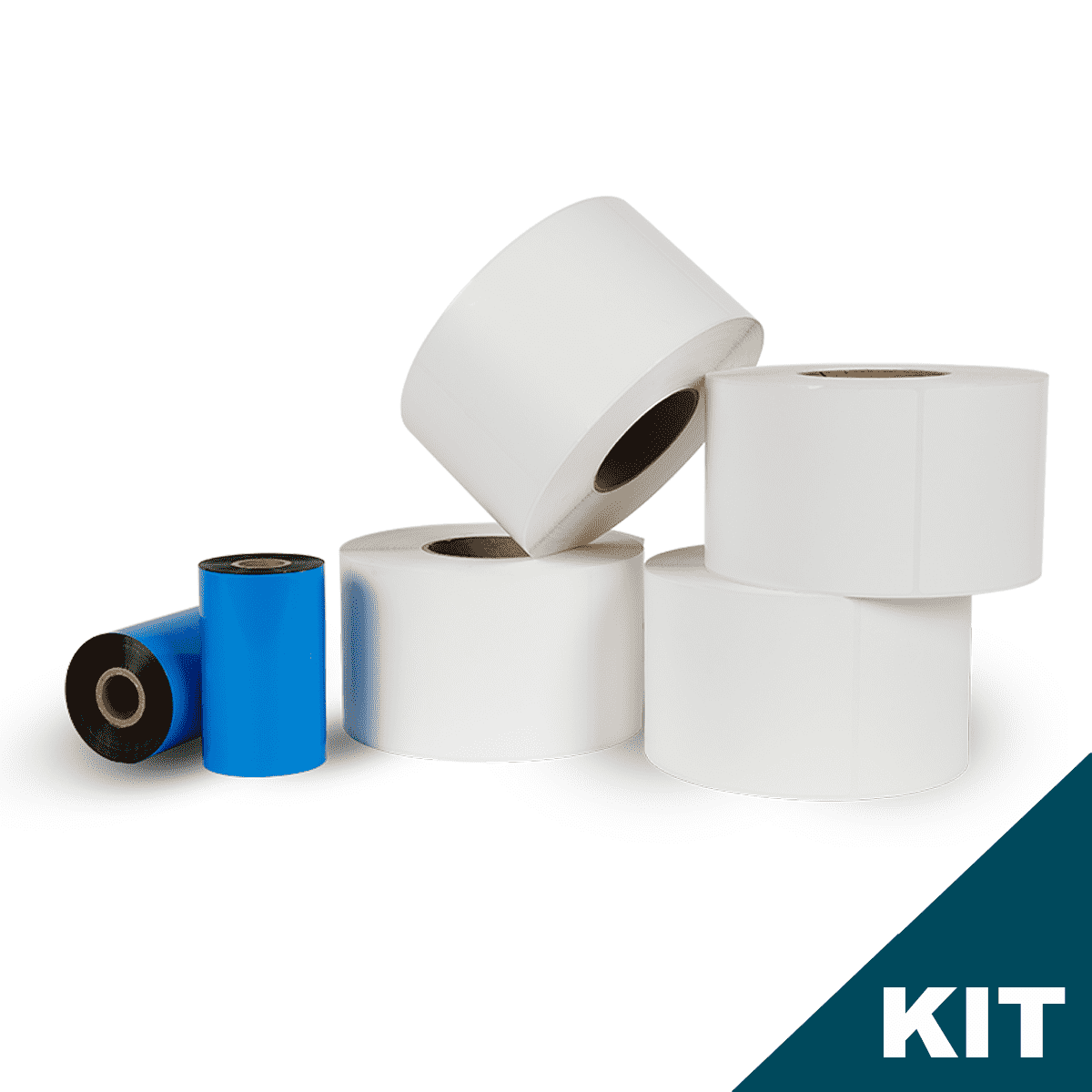
EyeSoft RFID labels are specifically engineered to be ultra-high performance despite their small size. Label kits come with enough Ink ribbon to fully print out the length of the labels.
When you receive this install the labels into the Zebra printer and replace the Ink ribbon even if the old ribbon is not finished. Start the printers built in calibration every time you swap the label rolls to ensure the highest quality print.
*Please store in a cool, dry place to avoid damage to the specialty glue used.
Syncing your inventory.

Option 1: Sync with your Practice Management System
Simply go to Quick Labels module and import your inventory into EyeSoft. Select your platform and drop in your current inventory export .csv file. Our system will automatically detect new entries
Option 2: EyeSoft built-in Inventory Tracking
For any product that is not tracked by your PMS system. EyeSoft has advanced multi-location tracking build in. To add products to EyeSoft directly open the Products module. Add your product into the system before adding the products stock. After entered proceed to Quick Labels module and you will see all the entries waiting for you to print.

Scan just by waving the scanner across the showroom. An average showroom of 2,000 frames takes only 6-8 minutes to scan and does not get in the way of shoppers.

Touch any missing frame to see pictures of it to easily find them.
Inventory Scanning
To start a new scan simply login to your EyeSoft account. Click the Inventory Scan module, select New Scan, and when it loads the full inventory it will generate a QR code.
The handheld scanner has a trigger that will let it scan the computer screen to program it (you can also manually type in the code on screen).
feet away
Tags / Second
Works through Glass
Works through Plastic
Works through Wood
Reference

Calibrate Zebra

Update RFID Gun